
- March 10, 2025
How to Choose the Best Background for Jewelry Photography
There are multiple ways to photograph jewellery, but some challenges may arise before you achieve exceptional photos. Determining what will work best often

- March 8, 2025
Clipping Path SVG − The Ultimate Guide on Clipping Paths With SVG and CSS!
Clipping is a feature of SVG that enables us to hide an object/element or portions of it in an image, fully or partially, by the use of various kinds of

- March 4, 2025
Clipping Path: The Magical Photoshopping Technique
The world of technology is ever-changing. This has seen the development of the image editing computersoftware such as the famous Adobe Photoshop. Through
A Beginner’s Guide to Free Online Car Photo Editing Platforms
A professionally edited car photo is essential for generating sales and making the car stand out from the competition. There are numerous free online photo
- March 3, 2025
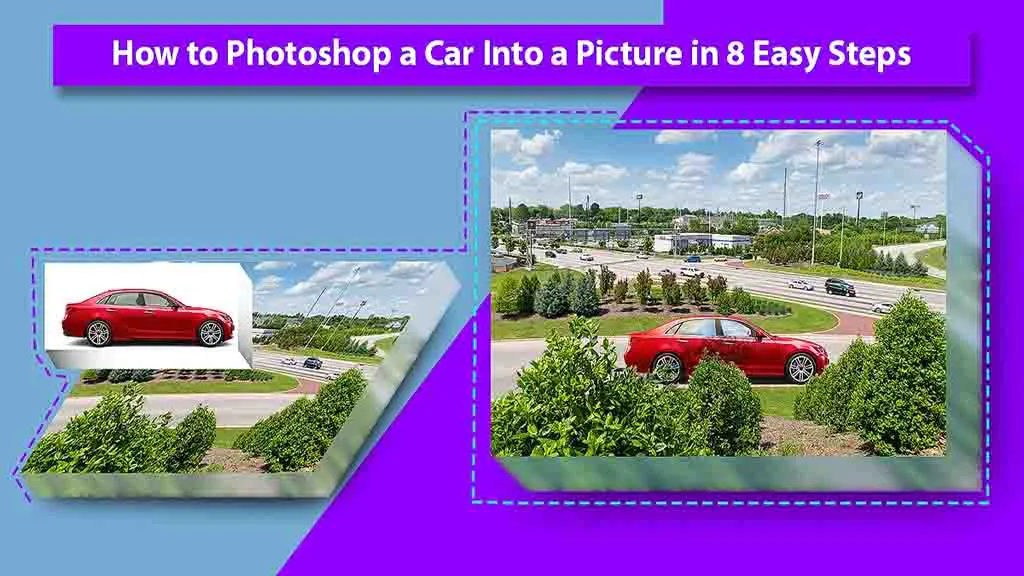
How to Photoshop a Car Into a Picture in 8 Easy Steps
Complex images are always the hardest to crop, especially when they are cars. Advertisements, promotions, contests, etc., all have used pictures of cars that
- March 2, 2025
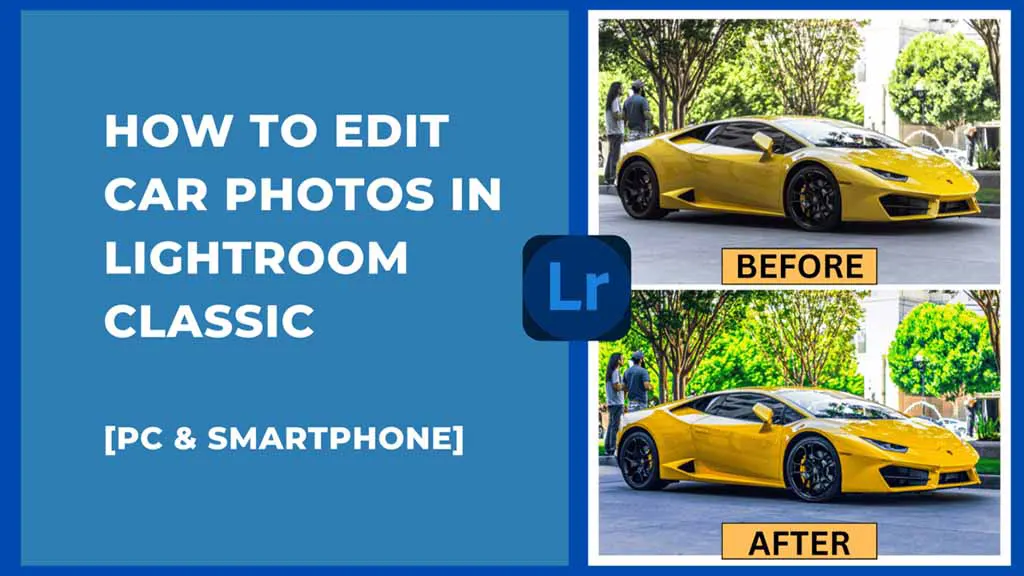
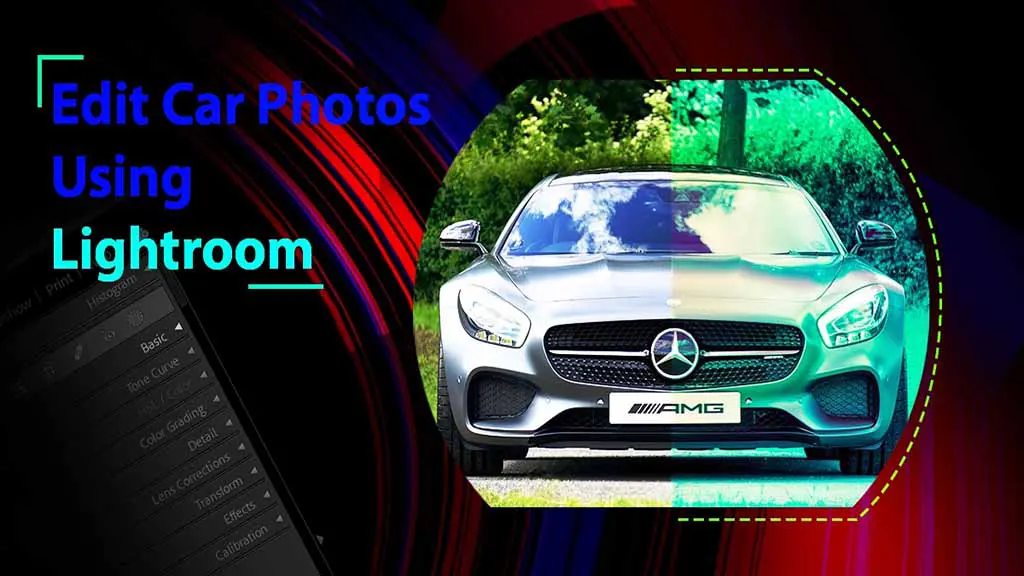
Beginners Guide on How to Edit Car Photos in Lightroom Classic [PC & Smartphone]
Do you want to know how to edit car photos in Lightroom? It is a perfect app for beginners, non-professionals, and professionals for car photo editing. You can
- March 1, 2025
Road to Eye Catching Photos For Professional Car Photo Editing.
Professional car photo editing is an essential part of the automotive industry. It enhances the look of cars, making them look presentable to potential buyers,
- February 28, 2025
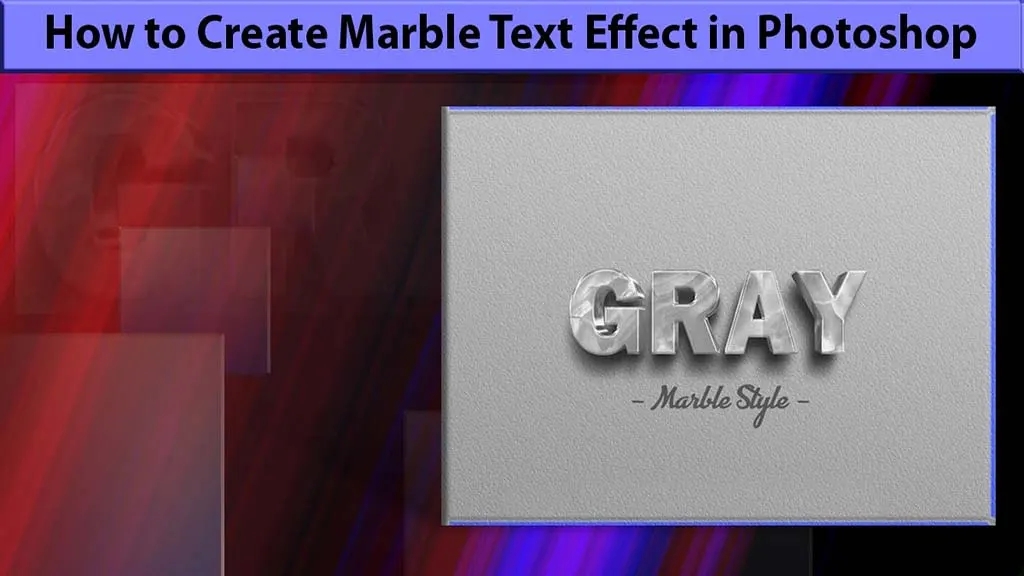
How to create marble text effect in Photoshop: A-Z Guide
With its sleek design, the marble text effect is making its way into home decor and many other areas. You can also develop this design and customize it if you
- February 26, 2025
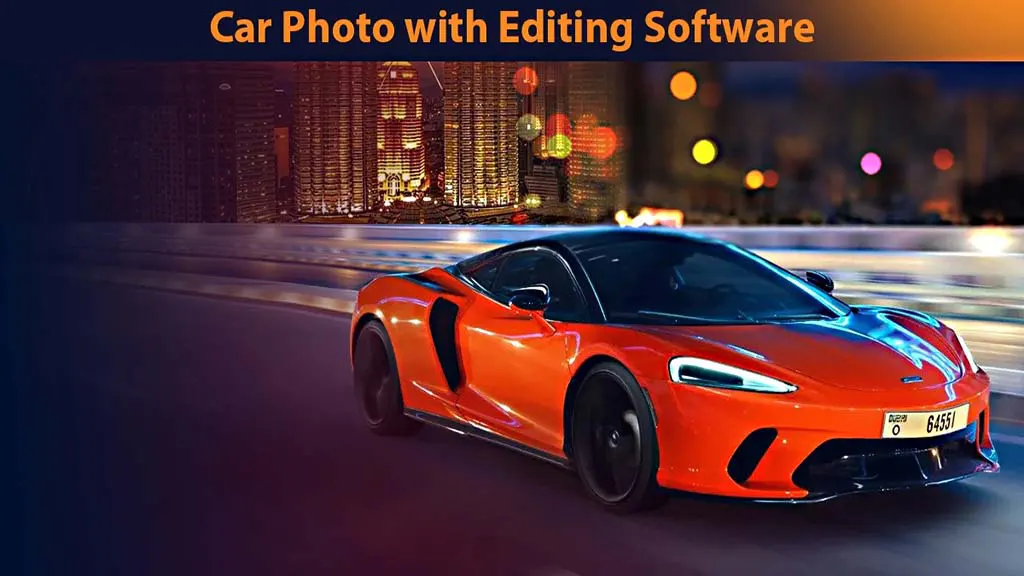
How to Edit a Car Photo? − A Beginner Friendly Guide
Unedited car photos often lack emotions and colors. By learning how to edit a car photo, you can transform any car photo from a dull image to a work of art.