
- April 1, 2025
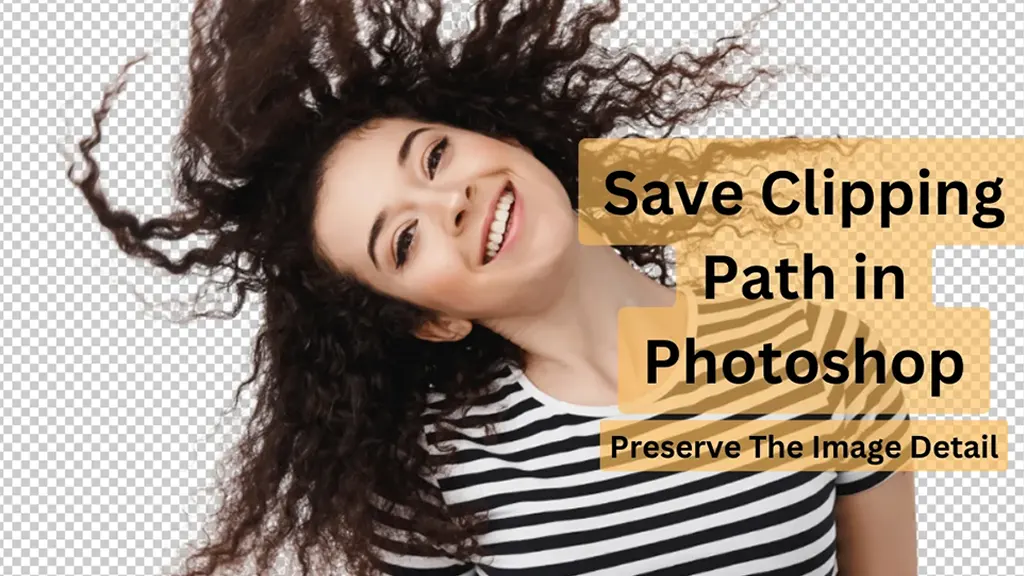
How To Save A Clipping Path To Preserve The Image Detail
Clipping paths are a great way to showcase your Photoshop prowess. They allow you to remove objects from images and give them a creative makeover. Although
- March 27, 2025
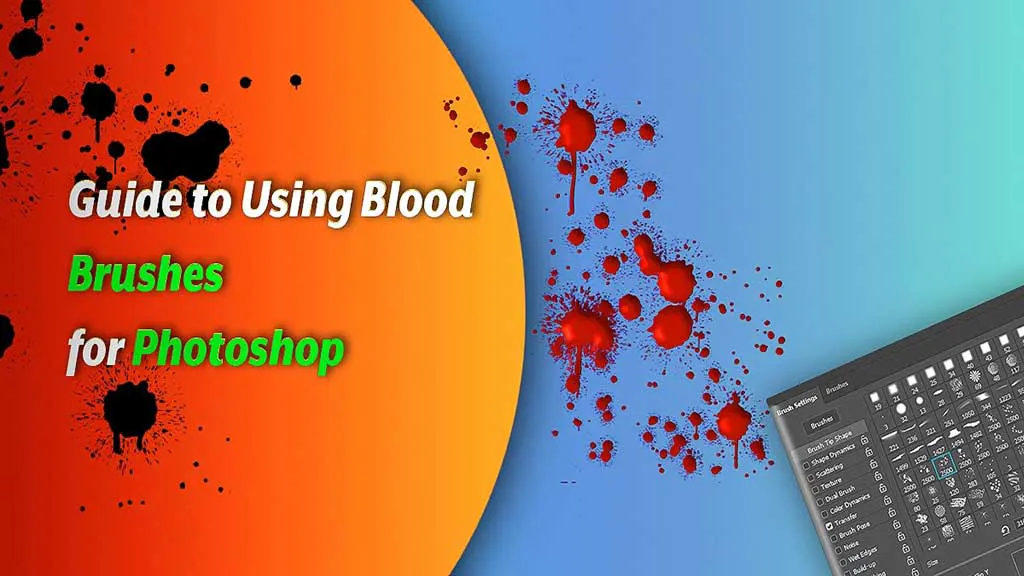
Guide to Using Blood Brushes for Photoshop: Everything You Need to Know
With all the shadows, lack of brightness, and low contrast, horror-themed images can be tiresome to edit. Especially when there’s blood involved. Using blood
- March 23, 2025
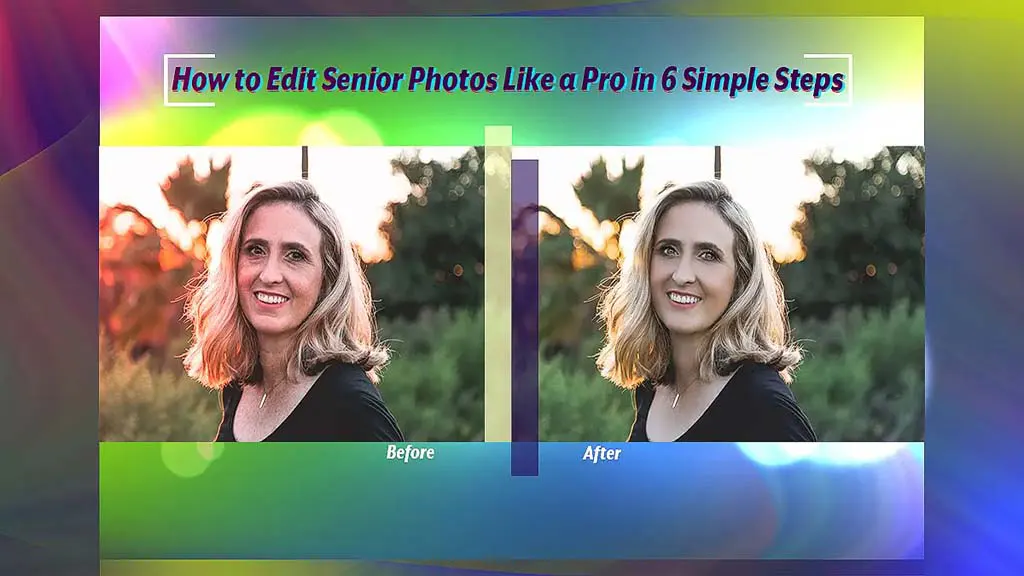
How to Edit Photos of Older Adults Like a Pro in 6 Simple Steps?
Whether you’re a professional photographer or just someone taking pictures of an older family member, editing photos of older adults is an important part

- March 22, 2025
Event Photo Editing in 5 Simple Steps
Event photography can be incredibly rewarding, but event photo editing can be an equally daunting task. However, Adobe has a powerful, versatile editing tool
- March 17, 2025
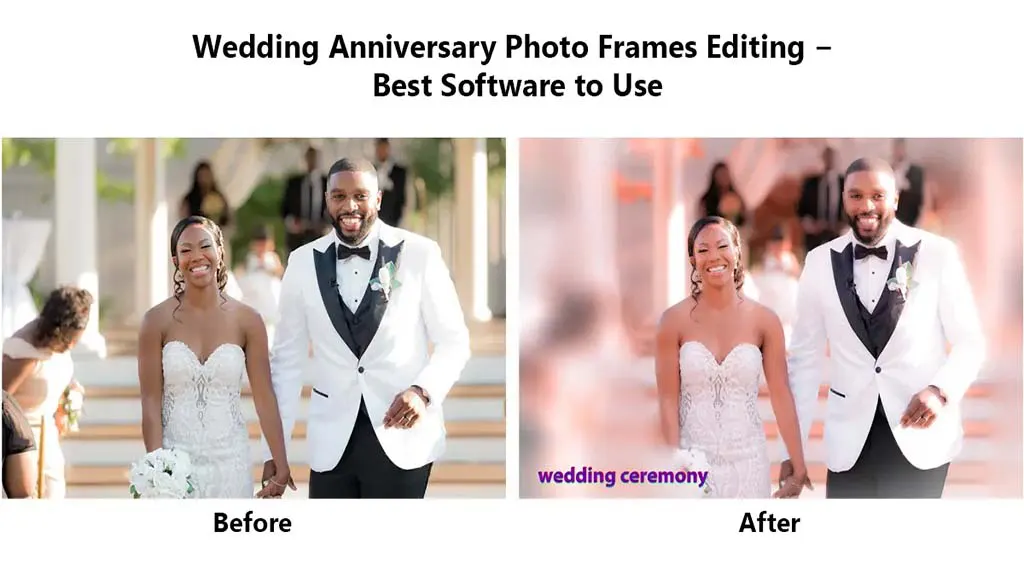
Wedding Anniversary Photo Frames Editing Tips: Love Forever
When it comes to celebrating a special wedding anniversary, a meaningful photo frame is a great way to commemorate the day. If you’re looking for a creative
- March 16, 2025
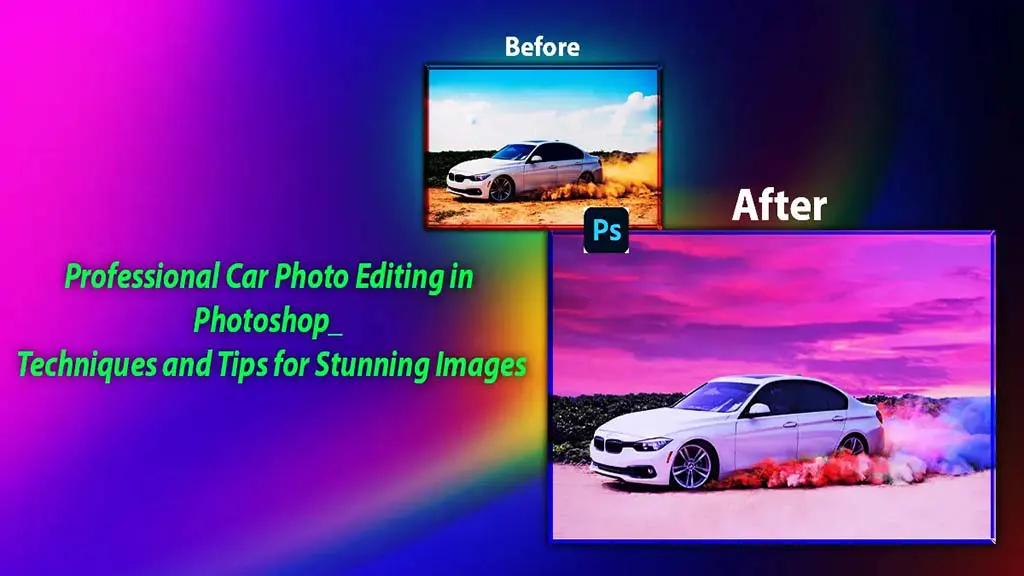
Professional Car Photo Editing Tutorials in Photoshop: Tips for Stunning Images
An enhanced car photo is necessary to increase automobile sales. In this article, we will go through car photo editing tutorials in Photoshop. The automotive

- March 14, 2025
5 Real Estate Photography Tips: DIY Estate Photos for Successful Sale
If you are in the real estate business, you simply can’t sell off your estates with dumpy photos. You must ensure your photos are great and polished. It
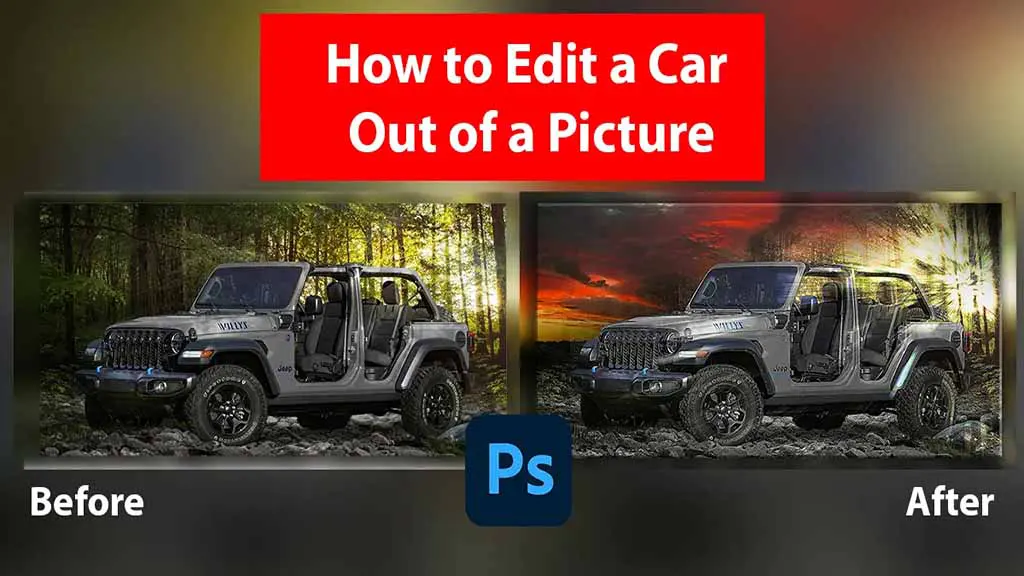
Jeep Car Photo Editing − A Simple Guide to Edit Stunning Jeep Photos!
Jeep cars are symbols of adventure, ruggedness, and freedom. With unique designs and off-road capabilities, they’re perfect subjects for photo editing
- March 13, 2025
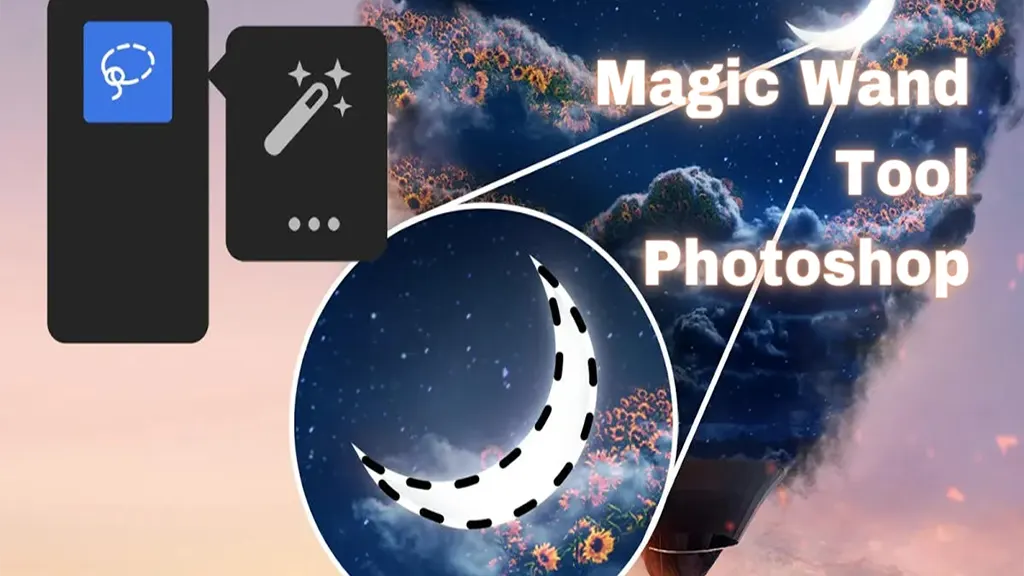
Magic Wand Tool Photoshop: Functions and Possibilities
Like most Photoshop users, you’re always looking for smart ways to accelerate your workflow progress and skill in Photoshop. And if you’re a fan of the