
How to Make Thumbnails for YouTube?
- Mark Mendoza
- August 30, 2026
- Tags: image editing service, thumbnail editing service, youtube thumbnail design, youtube thumbnail tips
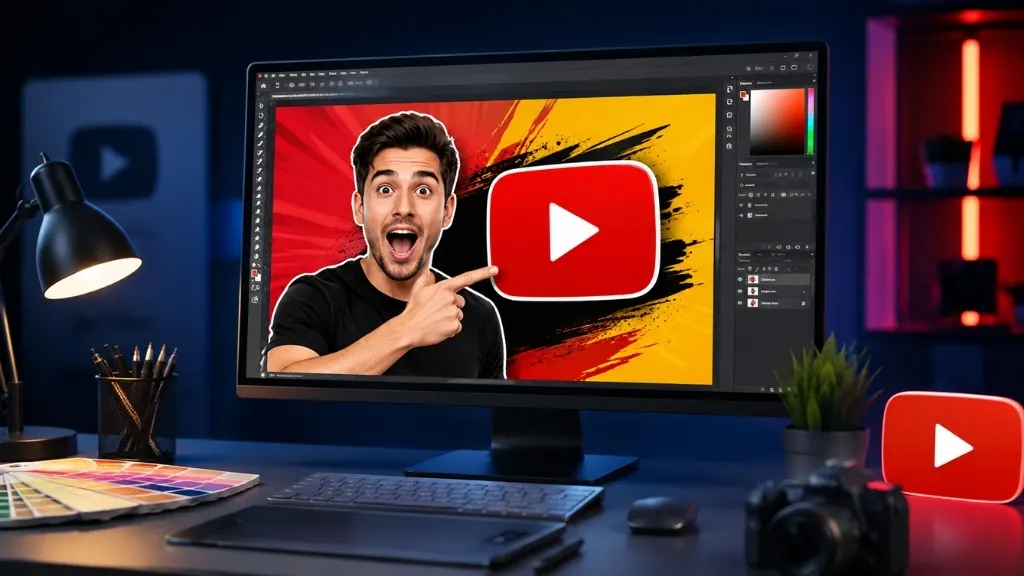
If you publish videos on YouTube, you might have seen that even the best of the content go absymally low views. A poor thumbnail is one of the leading causes for this. Thats the reason for almost every new content creator to ponder upon the question how to make thumbnails for youtube. Thumbnail the first impression of your video! People can only get to a thumbnail before choosing to click or scroll on.
To help you create these appealing and clickable thumbnails, this article will take you through how to design them step by step, what software to use for it, & why many creators outsource their image editing work.
What You Need to Know Before Making a Thumbnail
Creating a thumbnail is not just about putting up a pretty picture. There are some rules behind it that attract the attention of the viewer.
- Keep the size right: The effective thumbnail size for YouTube is 1280 x 720 pixels, and the ratio is 16:9.
- Keep the file size small: If you keep it under 2 MB, the thumbnail uploads very quickly and its quality is also very good.
- Keep the text large and clear: It should be easy to read on a small mobile display.
- Maintain the right color contrast: If there is a very nice difference between the background and the text color, the thumbnail will be seen differently from a distance.
Step-by-Step Process to Create a Thumbnail
Now let’s get to the main part — how to create a professional-quality thumbnail step by step.
Step 1: Choose the right image
Take a screenshot of the most beautiful and interesting moment in your video, or take a separate high-quality image for the thumbnail. Thumbnails with clear facial expressions have a higher click-through rate.
Step 2: Clean up the background
A cluttered background doesn’t look professional. Removing the background and using a clean and colorful background will make the image look nicer and clearer.
Step 3: Add bold text
Summarize the main message of your video in three to five words. Too much text is hard to read at a glance.
Step 4: Adjust the color and effect
Use the right color to make the image bright and eye-catching. A light shadow or glow effect around the text can make the text stand out more.
Step 5: Export and upload
Export the final image in JPG or PNG format and upload it through YouTube Studio.
Popular Tools for Making YouTube Thumbnails
Beginners often ask which tool makes thumbnail creation easier. A few popular options are:
- Canva – The easiest option for beginners, with ready-made templates.
- Adobe Photoshop – Best for professional-level editing, though it has a learning curve.
- Fotor – A simple online editor that works quickly.
- PicMonkey – Easy for both photo editing and adding text.
A Quick Example to Understand Better
Let’s say your video is a “car review.” A regular creator might just place a plain photo of the car. But a professional thumbnail would include:
- The car’s background removed and replaced with a clean street scene
- Color correction to make the car’s paint look brighter
- Bold yellow text saying “Is It Really Worth It?”
- A red arrow pointing to a special feature of the car
These small changes are exactly what turn an ordinary photo into a clickable thumbnail. This is the type of work we do every day at Clipping Creations India.
Why You Should Consider Professional Help Instead of DIY
Many people try to make thumbnails on their own but struggle to get the desired result, because it requires technical skills like background removal, color correction, and photo retouching. This is where an experienced image editing team becomes valuable.
At Clipping Creations India, we have been providing image editing services for the past 12 years. Our team is skilled in background removal, clipping path, photo retouching, color correction, and every other type of image editing work. When it comes to YouTube thumbnail design, we offer:
- Fast delivery
- The most affordable pricing
- 24/7 support
- 100% quality on every project
- Free trial and free quote
If you need thumbnails regularly, or any other service like product photo editing, background removal, or ghost mannequin editing, you can get a free trial from our website clippingcreationsindia.com.
Common Mistakes to Avoid While Making Thumbnails
- Using too much text
- Using low-resolution images
- Using the same style for every video, which weakens your channel branding
- Making a thumbnail that doesn’t match the actual video content (clickbait)
Avoiding these mistakes will naturally improve your channel’s click-through rate over time.
Final Thoughts
By now, you should have a clear idea of how to make thumbnails for youtube — it’s not just about placing an image, but a mix of proper planning, design, and editing skills. You can try it yourself, or if you want to save time and get professional-quality results, you can rely on an experienced image editing team like ours. Clipping Creations India brings 12 years of experience to help you, all at a very affordable price.
Get in touch today for a free trial and see how a professional thumbnail can take your channel to the next level.
FAQ's
YouTube’s recommended thumbnail size is 1280 x 720 pixels with a 16:9 ratio, and the file size should ideally be under 2MB.
No, tools like Canva or Fotor let you create good thumbnails easily. However, expert editing help gives a more professional finish.
It’s best to keep it to 3-5 words maximum, so it’s easy to read even on mobile screens.
A professional team handles background removal, color correction, and retouching accurately, which saves time and helps increase your click-through rate.