
- October 24, 2025
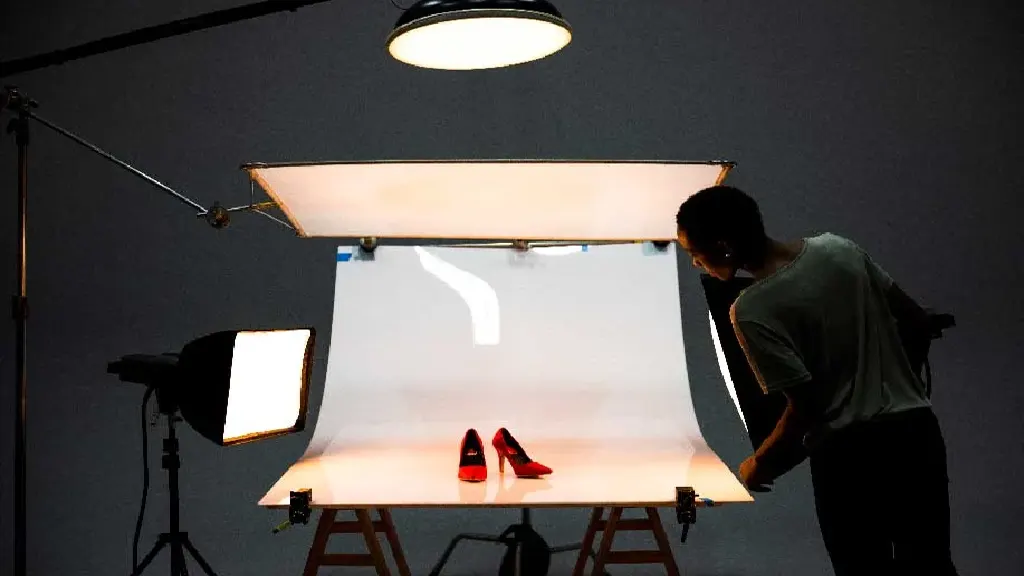
How to Set up A photo studio for product shots
Although product photography can appear difficult, it remains vital for achieving business success. Visually appealing, high-caliber imagery draws in shoppers
- October 22, 2025
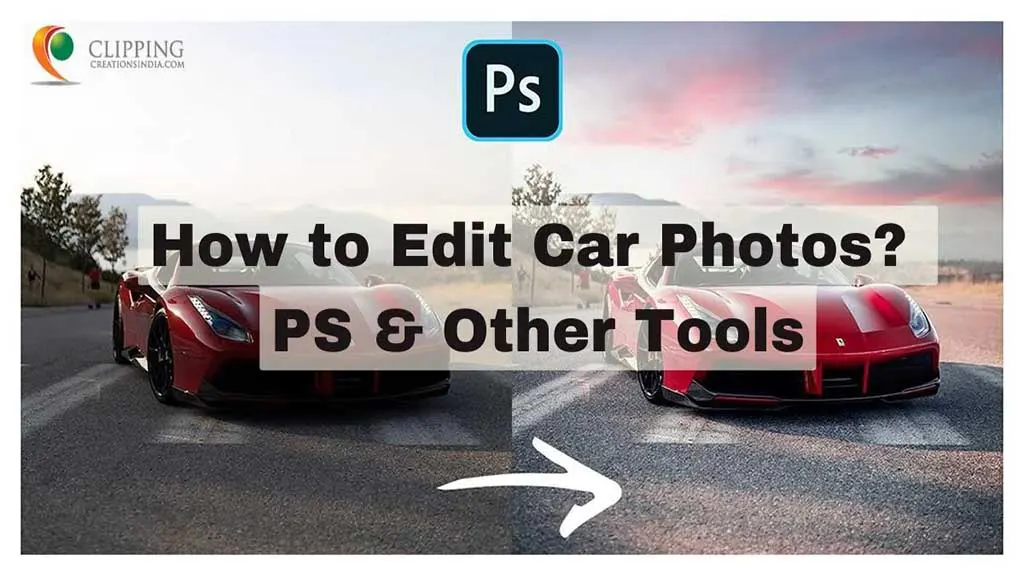
How to Edit Car Photos? Shiny Car Photos for Successful Sales Conversion
Ever gazed upon those sleek, magazine-worthy car photographs and thought, ‘How on Earth did they do that?’ You’re not alone! These captivating images,
- October 20, 2025
How To Fix A Lazy Eye In Photoshop
Have you ever taken a great photo but then noticed that someone’s eye looks a bit funny? Maybe it’s not looking the right way or seems lazy. Well, you are
- October 18, 2025
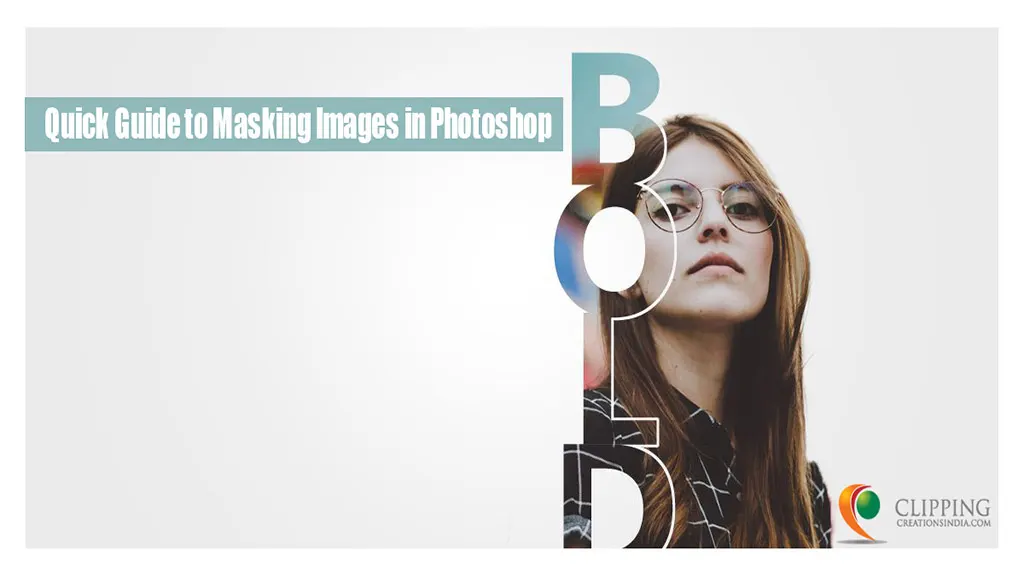
Masking Images in Photoshop: Smart Masking for More Photos
Have you ever looked at a photo and thought, That’s nice, but the background’s a bit distracting,” or “These two pictures would look great together!?
- October 15, 2025
Drop Shadow Effect Photoshop Explained for Beginners: Pro Tips Included
Do you want to make your designs really pop? Well, one of the coolest tricks is adding a drop shadow effect in Photoshop. It might sound fancy, but it’s easy
- October 13, 2025
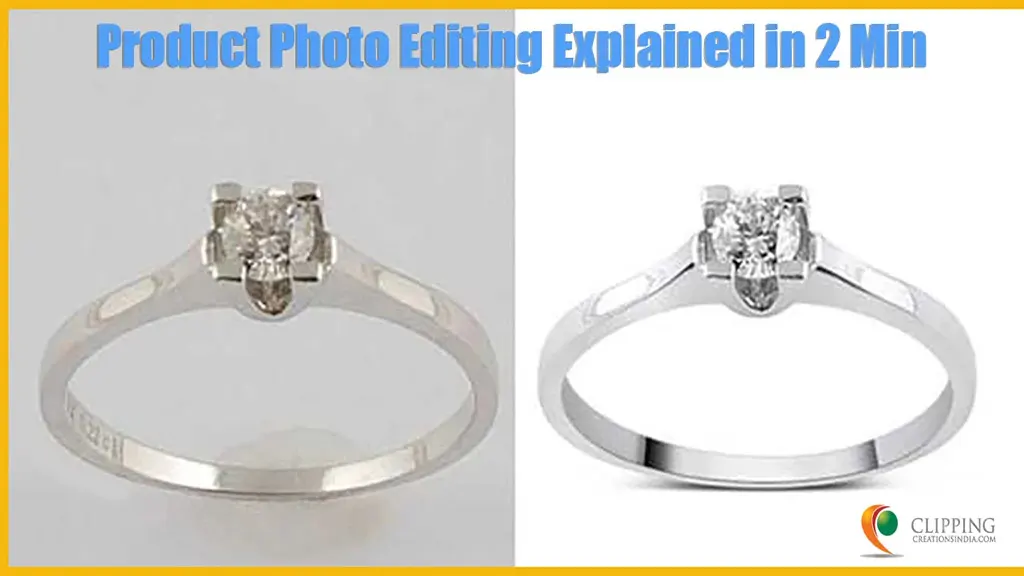
How To Edit Product Photos: Go Pro for Amazon Product Marketing
Whether you’re a budding e-commerce entrepreneur, a small business owner, or simply someone with a penchant for photography, knowing how to edit product
- October 11, 2025
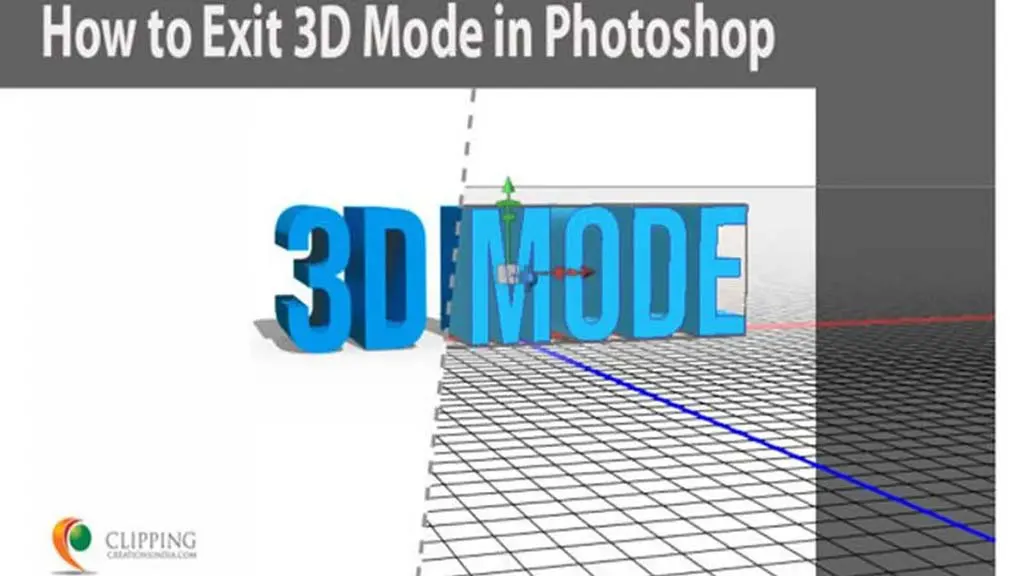
How to Exit 3D Mode in Photoshop: A Step-by-Step Guide
Adobe Photoshop is a versatile tool that serves various design needs, including 3D modeling and editing. While working in 3D mode can be a powerful and
- October 10, 2025
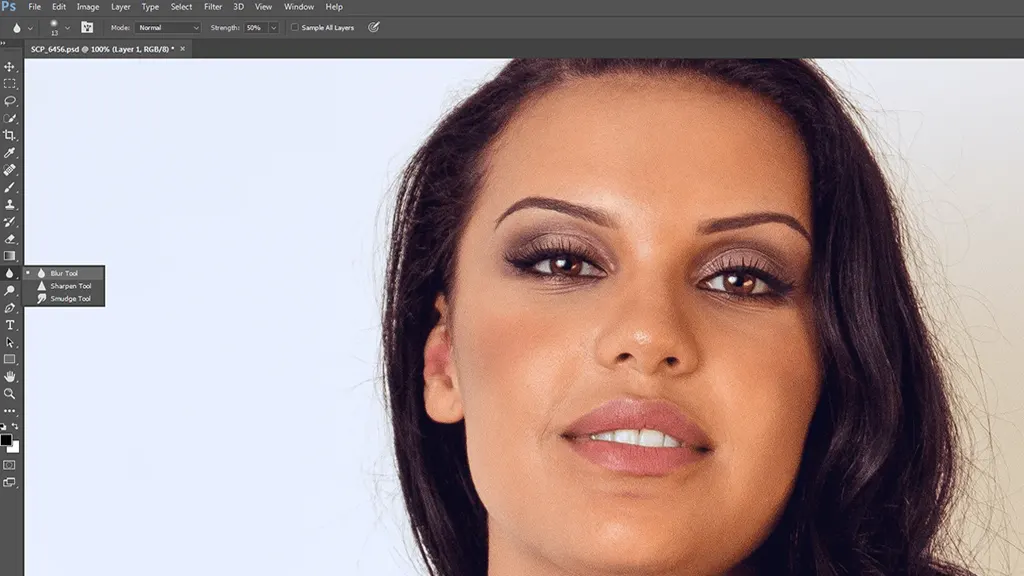
5 Essential Photoshop Tools to Edit Your Blog Post
Since last month I have been going through Photoshop skills in order to make the photos much better for my blog and today I am going to introduce you to 5 top
- October 9, 2025
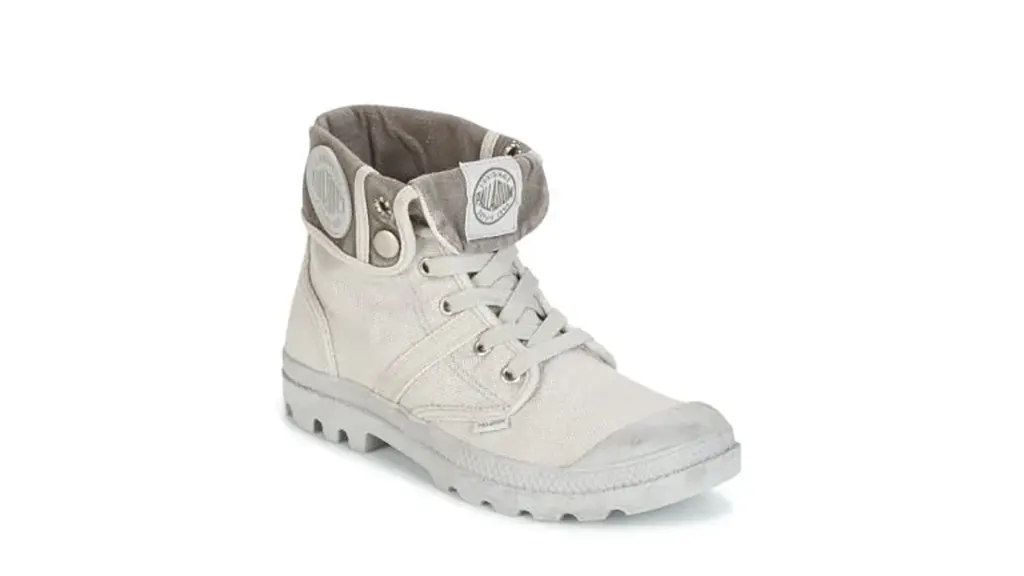
Why Photo Industry Need Clipping Path
In today’s digital world, images are more than just visuals—they are powerful marketing tools. Especially in product photography, a clean, attractive, and