
Clipping Creations India Blog

- February 2, 2025
Photoshop Hair Retouch Tool : Get Over Frizzy Hair
Whether you have natural curls or straight hair that’s been blown out, dealing with frizz is always a pain. It can be so frustrating when a few rogue

- February 1, 2025
Find Out What to Charge for Photo Editing Before Hiring a Retoucher
When hiring a photo editor, it’s important to determine the cost and understand what is included. The rates will vary, but knowing exactly what you’re
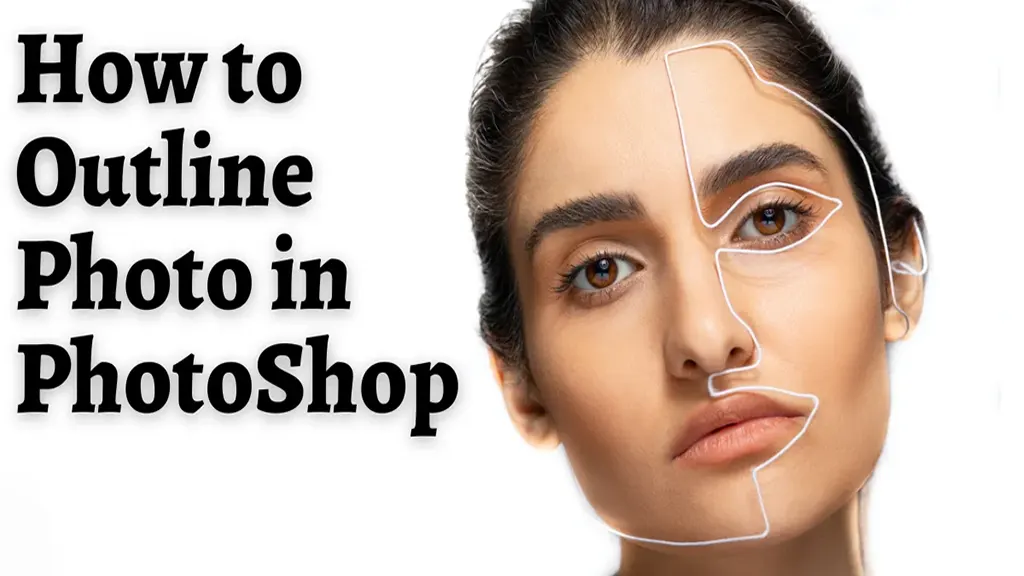
How to Outline Photo in Photoshop: Simple Photoshop Hacks
Are you looking to create some simple outlines for your photos in Photoshop? How to outline a photo in Photoshop? This smart trick can be a great way to change

Become A Master of Clipping Path In Photoshop Using CS5/CS6
In the E-commerce sector, potential customers are attracted by lifelike product photos. And that leads to increased sales. So, the seller or manufacturer
- January 11, 2025
What Is Shadow Clipping and How to Fix It?
Even the basic shades of black and white can dramatically impact the quality of your photography. And this all comes down to adjusting the shadows and

- January 5, 2025
Master Clipping Path Affinity Designer in 4 Minutes!
Becoming a master of clipping paths in Affinity Designer is a hard track to follow. However, with time and dedication, you can learn this skill. The trick
- January 3, 2025
How To Convert Clipping Paths In Illustrator
A clipping path is a powerful tool that lets you isolate any object or shape from its background. This tool is specifically a Photoshop tool that makes a
- January 1, 2025
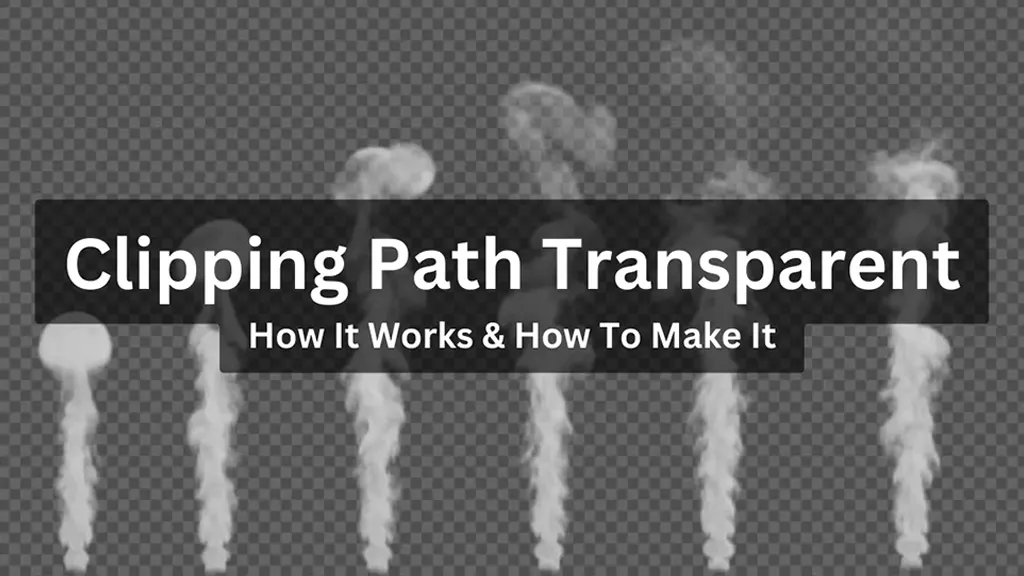
Clipping Path Transparent: How It Works & How To Make It
The clipping path transparent is an excellent feature in Photoshop. It’s an effective way to remove a picture’s background and replace it with the
Clipping Path Reverse Guide – How to Reverse And Inverse Your Selection And Clipping Path?
Clipping path is one of the best tools for changing backdrop colors, removing objects from backgrounds, and creating composite product pictures. Once you