
How to Unpixelate an Image: A Complete Guide to Fixing Blurry Photos
- September 2, 2026
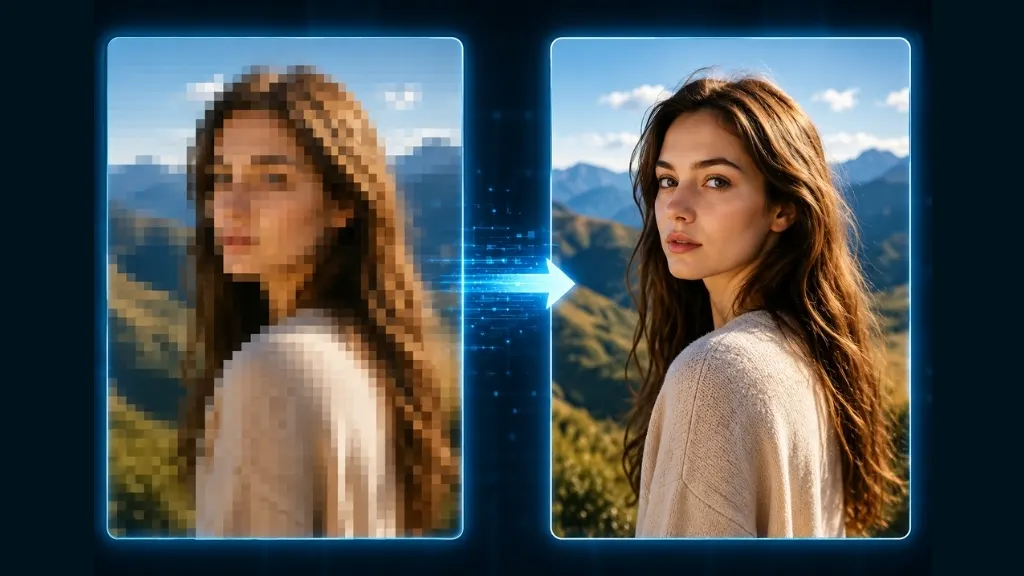
If you’ve searched how to unpixelate an image, chances are you’re dealing with a photo that looks blurry, blocky, or broken into visible squares. This happens to almost everyone — an old family photo, a low-resolution product shot, or an image downloaded from social media can all end up looking pixelated. The good news is that with the right approach, most pixelated images can be significantly improved and made usable again. In this blog, we’ll walk you through exactly how to unpixelate an image step by step, which tools and techniques actually work, and why a professional image editing service is often the smartest choice.
What Causes an Image to Become Pixelated
The main reason an image becomes pixelated is low resolution. When a small image is forcefully enlarged, each pixel gets stretched into a visible block, making the picture look broken or blurry. A few other common causes include:
- Low-quality photos taken on older phones or cameras
- Compressed images downloaded from social media platforms
- Scanned old or printed photographs
- Resizing a small image to a much larger size
What to Know Before You Start Fixing a Pixelated Photo
Do be realistic — 100% perfection is not always achievable and if the original image quality was very poor to start with it is only as good as what was available for training. Regardless, having the right tools and techniques makes a significant difference when it comes to sharpness, clarity, and overall presentation. These are quite easy ways that you can do on your own.
Fixing a Pixelated Image With Online Tools
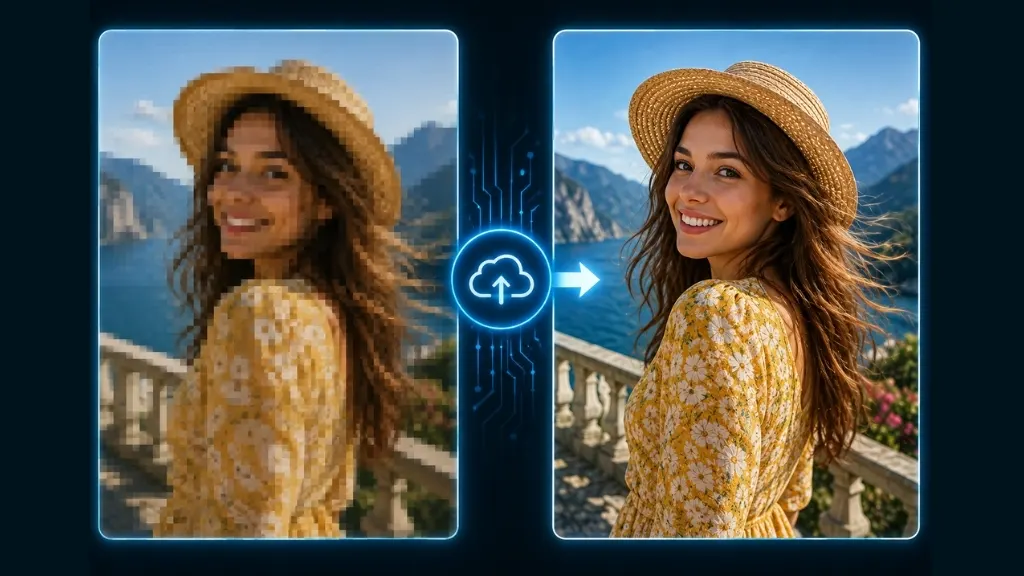
Today, several AI-based online tools can help unpixelate an image right from your browser. These tools use machine learning to predict missing details and add new pixels intelligently.
Here’s the general process:
- Upload your image to the tool
- Select an enhancement level or upscale factor (such as 2x or 4x)
- Wait for the processing to complete
- Download the result and re-edit if needed
These tools work reasonably well for simple, casual images. However, for product photos, professional portraits, or anything meant for print, manual expert editing delivers far more reliable and consistent results.
Fixing a Pixelated Image in Photoshop
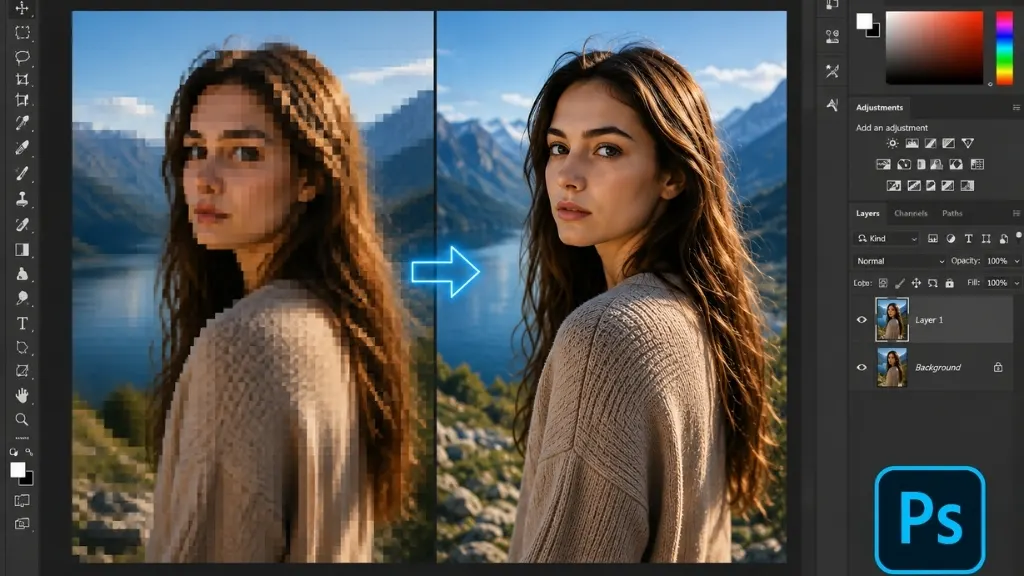
If you have some editing experience, Adobe Photoshop offers several built-in tools to help sharpen a pixelated image:
- Camera Raw Filter to adjust sharpness and reduce noise
- Smart Sharpen to help recover edge detail
- Gaussian Blur applied lightly to soften harsh pixel edges
- Reduce Noise Filter to smooth out graininess
That said, these techniques require both experience and time, and incorrect settings can easily make the image look worse instead of better.
Common Problems When Fixing Images Yourself
Many people try free tools or attempt Photoshop edits on their own, but this often leads to a few common issues:
- Colors look unnatural or artificial
- Faces and fine details don’t recover properly
- Backgrounds end up overly blurred or noisy
- Multiple attempts waste time without producing a usable result
This is exactly why businesses handling e-commerce product photos, wedding albums, or brand imagery usually turn to professional editing services instead of DIY fixes.
Why Choose a Professional Image Editing Service
At Clipping Creations India, our expert team combines manual editing with advanced AI-powered tools to bring every image to its best possible quality. With 12 years of hands-on experience, we’ve learned that different image types need different approaches — product photos, portraits, old memories, and real estate images all require their own specific technique.
Here’s what you get with our service:
- Expert manual editing with quality checks
- Fast turnaround time
- The most affordable pricing in the market
- Special discounts on bulk orders
- Unlimited revisions until you’re satisfied
A Real-World Example
Let’s say an e-commerce seller has a product photo taken back in 2015 with very low resolution. When uploaded to a website, the image looks blocky and unclear. Our team first analyzes the image noise, then applies AI-based upscaling to increase resolution, followed by manual edge sharpening and color correction. The final result is a clean, high-quality image ready for both web and print use. We handle hundreds of such cases for clients every single day.
Types of Images That Often Need Unpixelating
- E-commerce product photos
- Old family photos or scanned pictures
- Social media profile and cover photos
- Low-resolution images used for print or banners
- Real estate and interior photography
How to Get Your Images Fixed With Us
Getting your images professionally edited with us is simple. Upload your photos through our website or send them via email, our team will provide a quote, and once confirmed, you’ll receive your edited images within the agreed timeframe. We also offer custom packages and discounts for bulk orders.
Final Thoughts
A perfect fix of a pixelated photo is not always easy, however, with some precise tools and techniques, as well as practice under your belt you can get a much better version. In case, the result of your Do It Yourself technique was not as expected, feel free to rely on a professional image editing company like Clipping Creations India. We have 12 years of experience with literally the lowest pricing ever, and we guarantee that you will receive high-quality results every time. Contact us today and give your fuzzy images a new lease of life.