

- June 1, 2025
How to Move Eyes in Photoshop and Online Tools
Have you ever taken a photo and noticed that your subject’s eyes are looking in a different direction than you intended? Getting the eyes to look in the

Best Background Color for Product Photography: How to Choose the Right One?
Regarding product photography, the background colour can make or break your photo. The right colour will make your product pop and help it stand out. On the

- May 22, 2025
The Benefits of Outsourcing Real Estate Image Editing USA: Smart Move
Outsourcing Real Estate Image Editing services have become increasingly in demand nowadays, especially in the USA and other European countries. The sales and

- May 21, 2025
How to Swap Eyes in Photoshop Like a Pro
Photoshop is a powerful tool that can transform ordinary photos into extraordinary ones. One useful technique you can explore is swapping eyes in Photoshop.

- May 17, 2025
How Blocks for Photography Props Can Improve Your Product Photography
If you’re a product photographer, you know that getting the perfect shot can be challenging. But did you know that using blocks for photography props can
- May 2, 2025
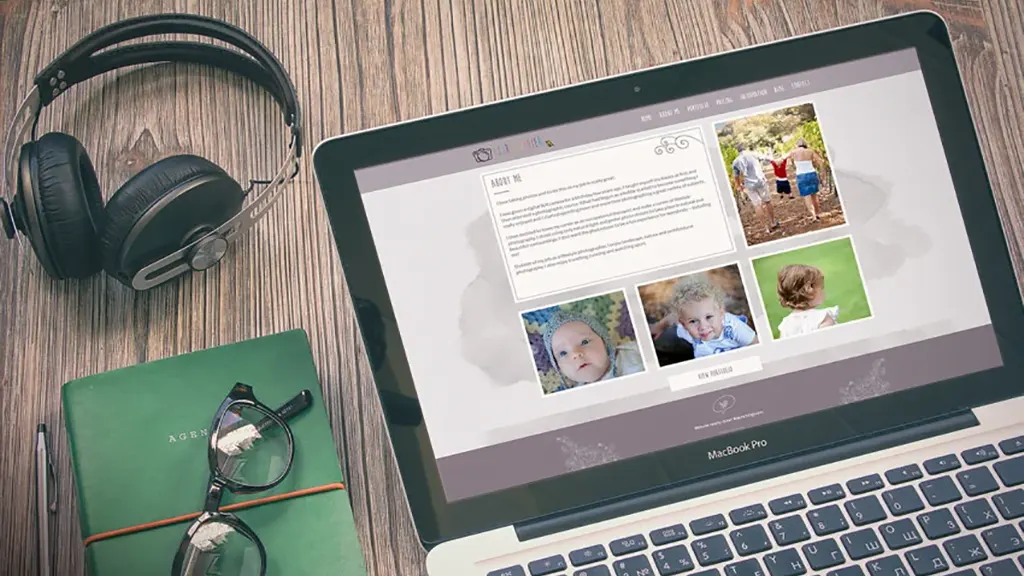
Tips on Photoshop & Illustrator to make your Photograph Sell
In the current digital age, photography has evolved from a mere pastime into a lucrative revenue stream. Software such as Adobe Photoshop and Illustrator make
- May 1, 2025
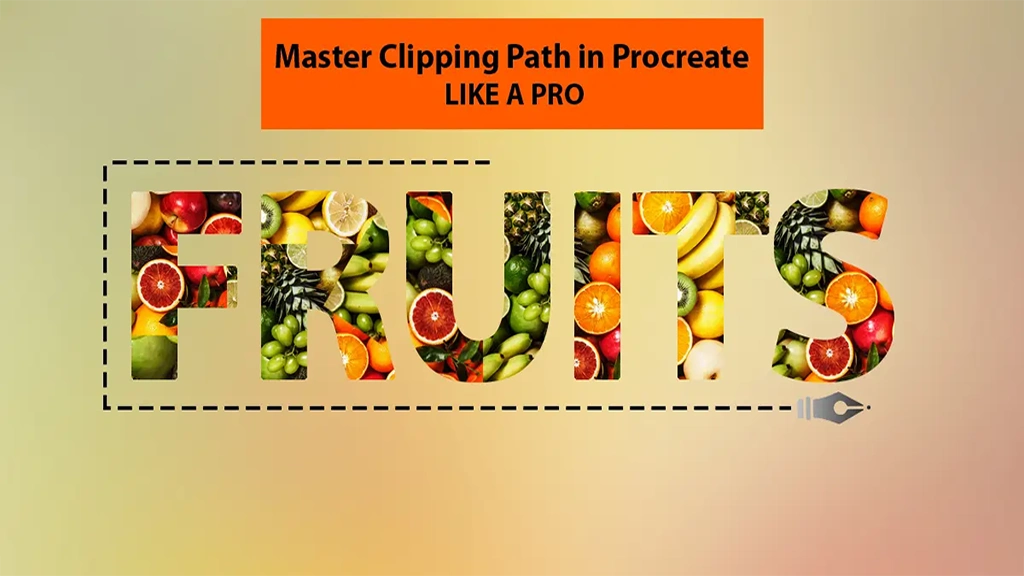
Master Clipping Path in Procreate Like a Pro
With the popularity of digital art and editing tools at an all-time high, almost all of us have heard of or used Procreate. And clipping path in Procreate is

- April 25, 2025
Unique Product Design Ideas: Take Your Products to the next level
If you’re caught in a design rut, don’t panic – you’re not alone. Coming up with new, original, unique product design ideas is hard work. However, it
- April 22, 2025
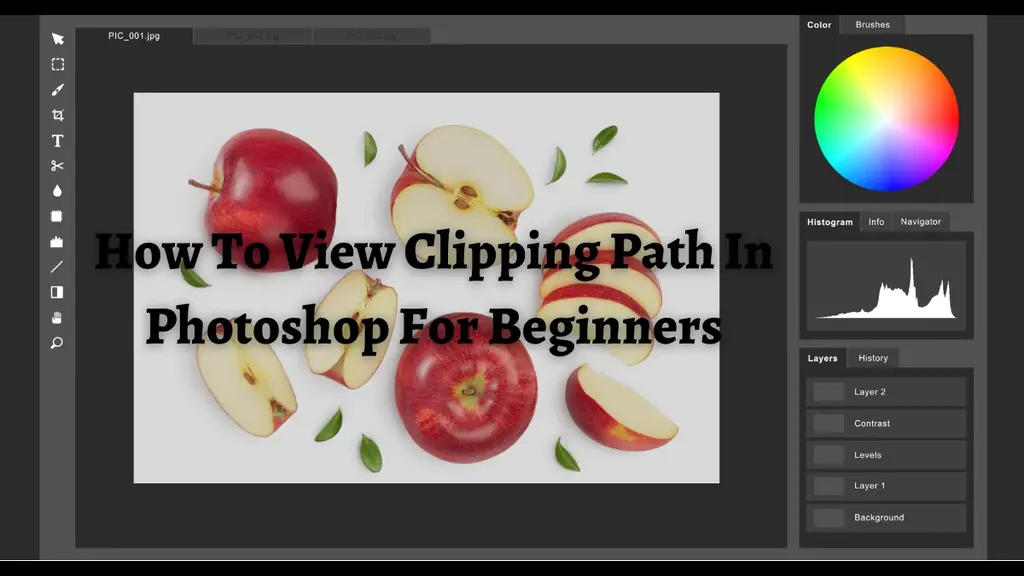
How To View Clipping Path In Photoshop For Beginners
In this age of digital media, who doesn’t need image editing tools these days, right? No matter if it’s for self-interest or business purposes, when it’s