

- April 9, 2025
How To Choose The Best Clipping Path Service Provider – All You Need To Know!
In the competitive space of digital businesses, high-quality images play a major role in success. When dealing with a large number of image edits, outsourcing
- April 2, 2025
Photoshop Glow Effect: Get the Best Photoshop Retouch
Applying a glow effect in Photoshop imparts a soft radiance that enhances the visual appeal and professional quality of your images. Adobe Photoshop tools

- April 1, 2025
How To Save A Clipping Path To Preserve The Image Detail
Clipping paths are a great way to showcase your Photoshop prowess. They allow you to remove objects from images and give them a creative makeover. Although
- March 13, 2025
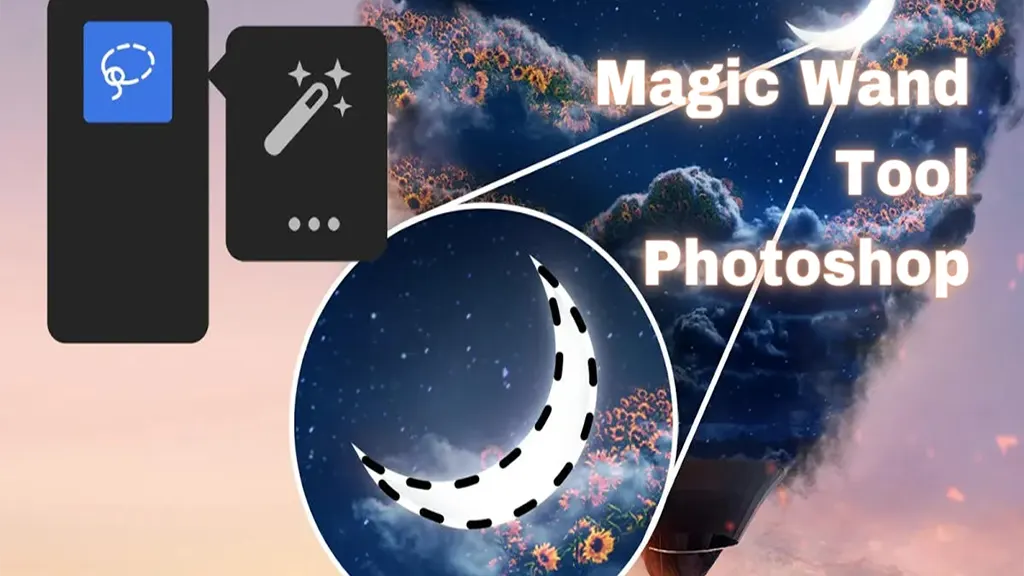
Magic Wand Tool Photoshop: Functions and Possibilities
Like most Photoshop users, you’re always looking for smart ways to accelerate your workflow progress and skill in Photoshop. And if you’re a fan of the

- March 10, 2025
How to Choose the Best Background for Jewelry Photography
There are multiple ways to photograph jewellery, but some challenges may arise before you achieve exceptional photos. Determining what will work best often

- March 8, 2025
Clipping Path SVG − The Ultimate Guide on Clipping Paths With SVG and CSS!
Clipping is a feature of SVG that enables us to hide an object/element or portions of it in an image, fully or partially, by the use of various kinds of

- March 4, 2025
Clipping Path: The Magical Photoshopping Technique
The world of technology is ever-changing. This has seen the development of the image editing computer software such as the famous Adobe Photoshop. Through

- February 22, 2025
How to Clip in GIMP: Step-by-Step Guide to Clipping Mask & Image Editing
If you are an avid photo editor, you must have heard of the GNU Image Manipulation Program (GIMP), which is a free, cross-platform image editing software used
- February 13, 2025
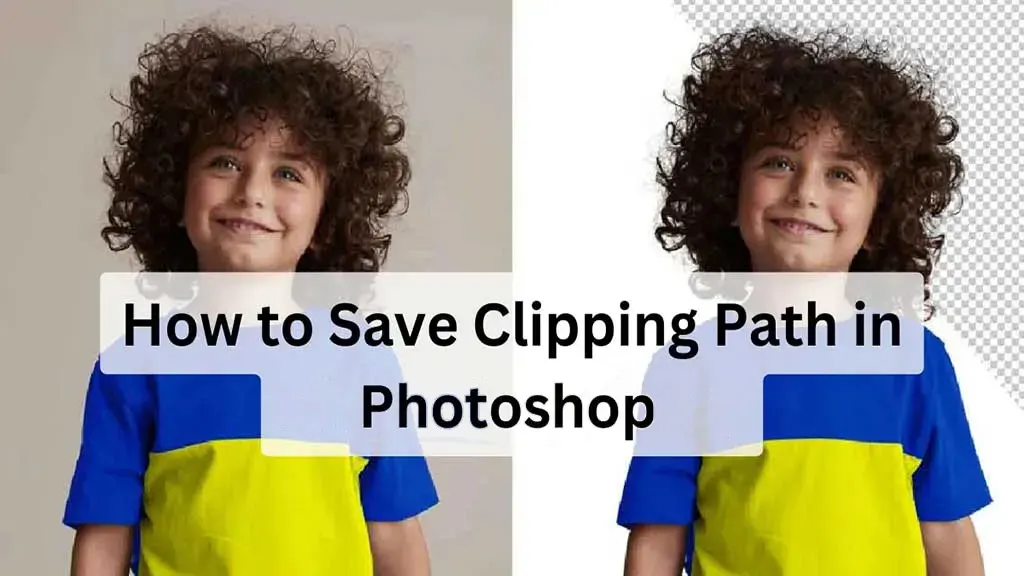
How to Save Clipping Path in Photoshop: Protect the Paths
Clipping path in Photoshop is one of the best tools for changing backdrop colours, removing objects from their backgrounds, and creating composite product